01
PRECISION
Context-aware translation
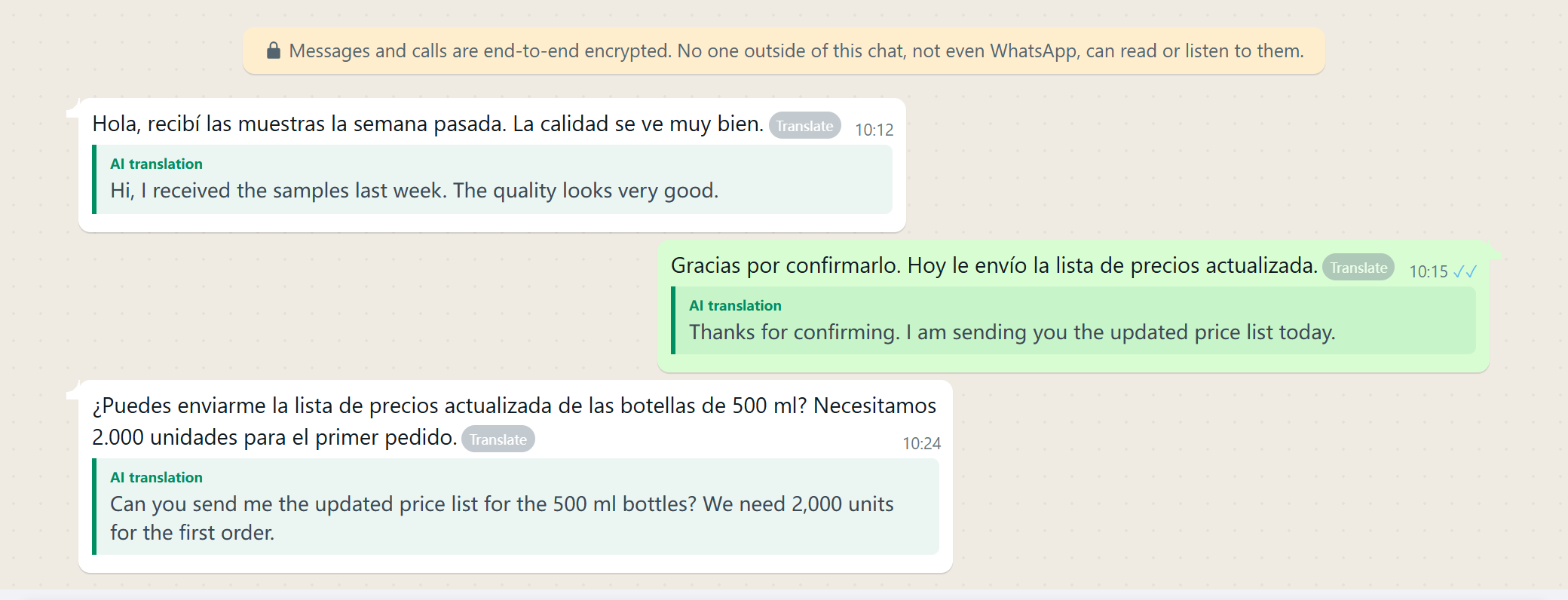
Translate with the active message, quoted text and nearby conversation to reduce context errors.
YaoAI Whats
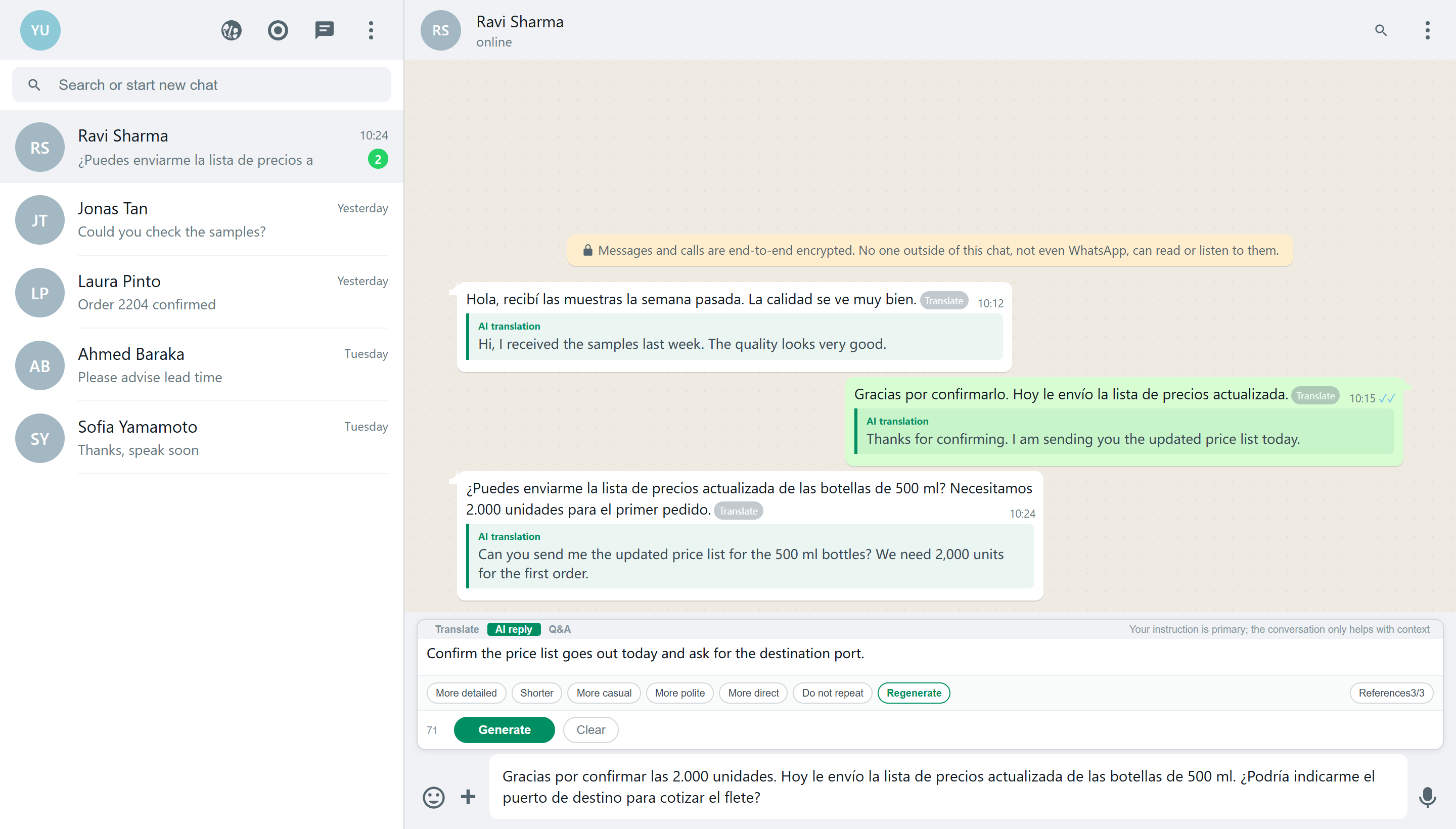
Context translation, instruction-based replies, personal style and local product references in one chat window.
CORE FEATURES
Translation, replies, personal style, references, Q&A and multilingual communication.
PRECISION
Translate with the active message, quoted text and nearby conversation to reduce context errors.
EFFICIENCY
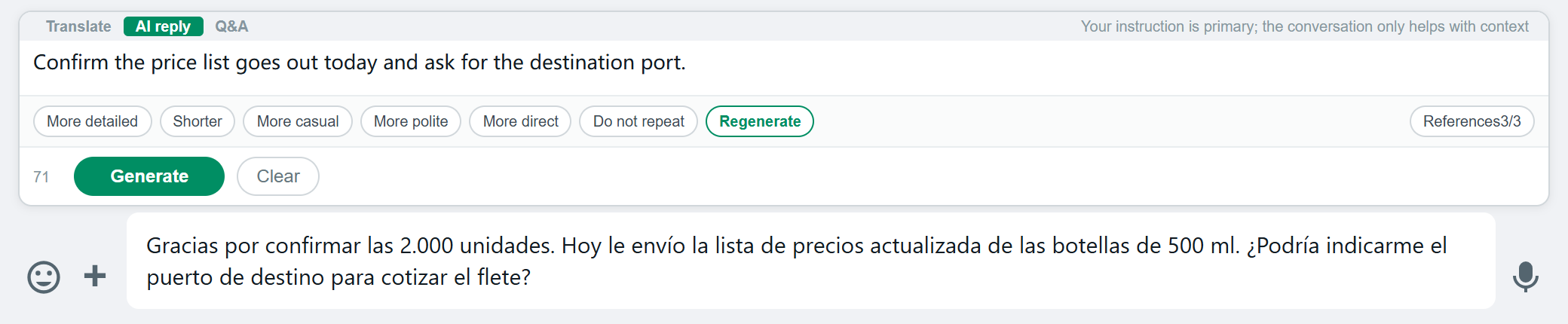
Create editable replies from the active chat, quoted message and your instruction.
NATURAL
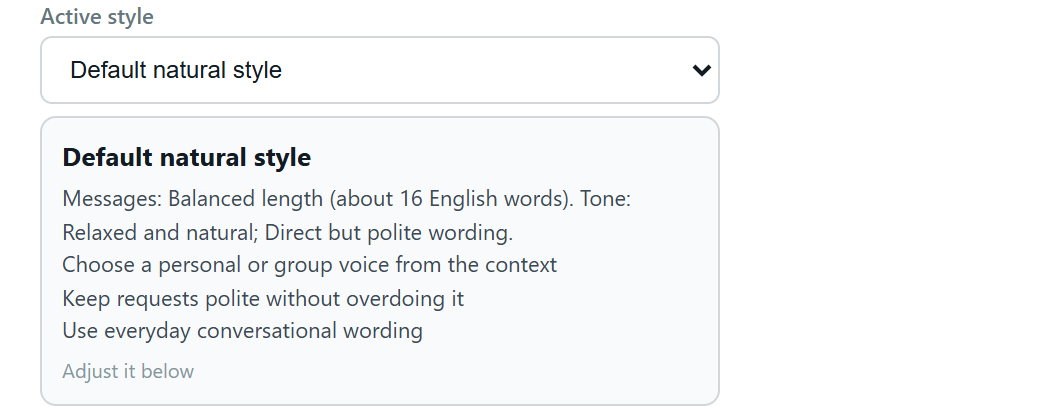
Avoid mechanical translation and generic AI phrasing. Import chats, common replies or text to build a style that sounds like you.
GROUNDED
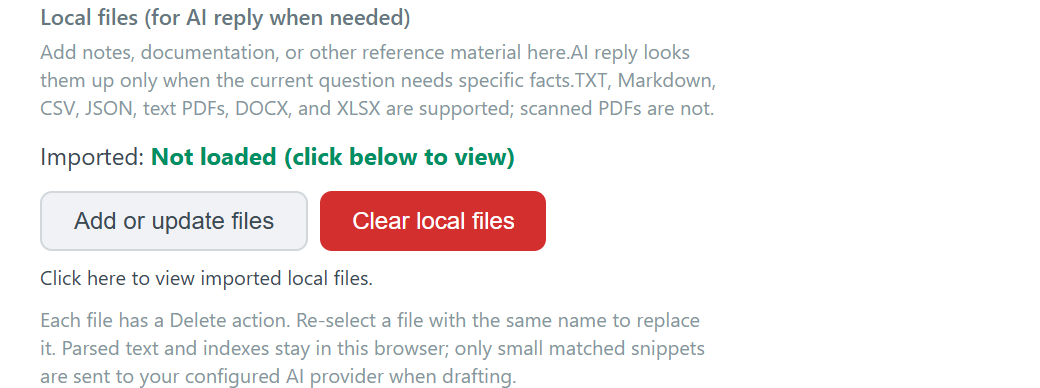
Retrieve prices, specifications, certifications and lead-time notes at any time for grounded replies.
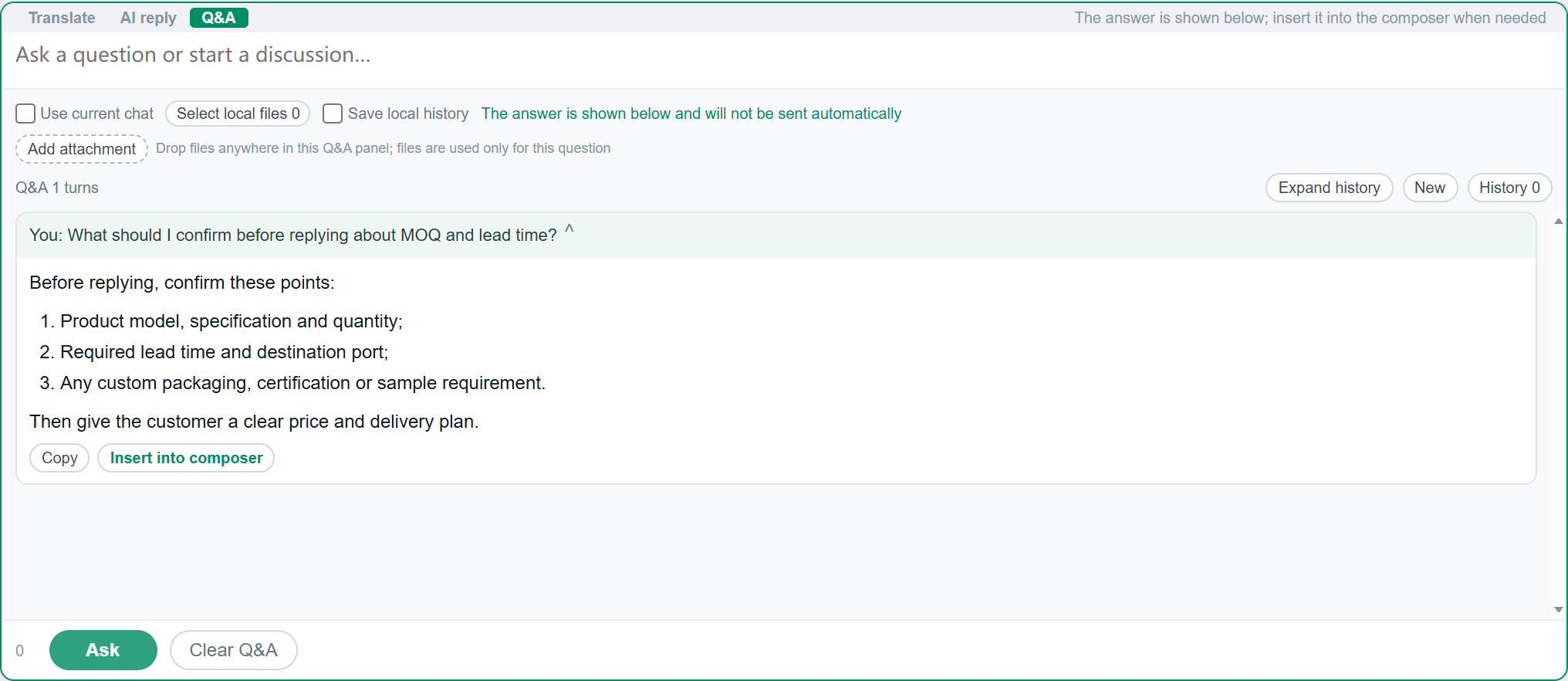
IN CONTEXT
Ask beside the chat, with follow-ups, the active conversation and temporary references.
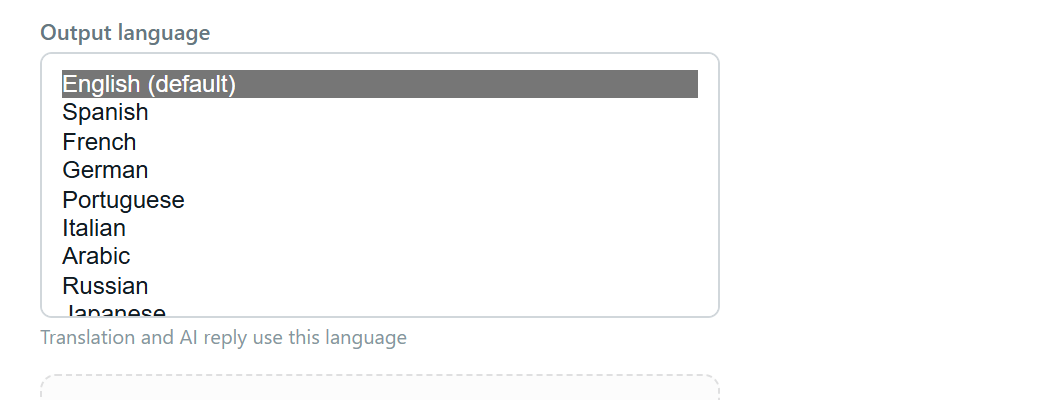
MULTILINGUAL
Choose an output language for translation and AI Reply across different markets.
FLEXIBLE ACCESS
New accounts can try it free. Buy credits for everyday use with no complex setup, or unlock your own API, models and professional tools once when needed.
View pricing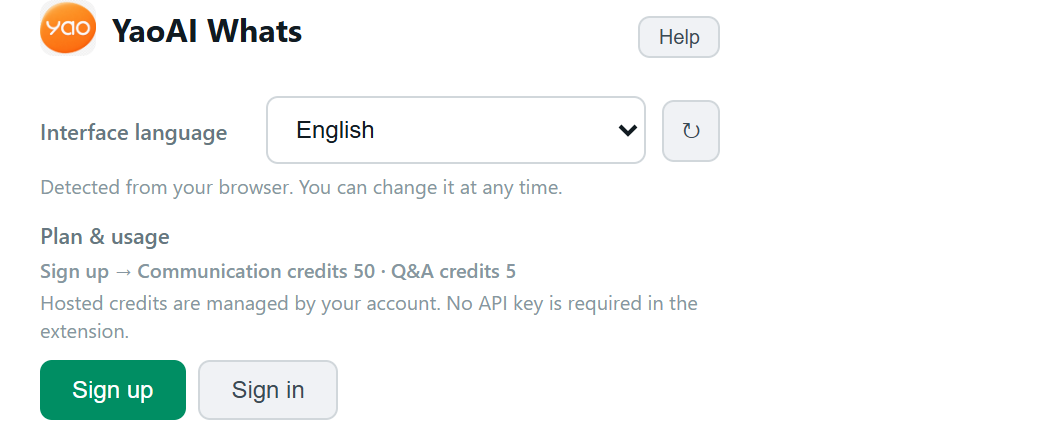
YaoAI Whats currently runs in WhatsApp Web on Chrome or Edge. You can still use WhatsApp normally on your phone, but the extension features run in a desktop browser.
For a translation, reply or question, only the messages, instructions and file excerpts needed for that task are processed. Your library stays on your device by default; one question does not upload the whole library. Hosted mode relays necessary content through YaoAI to the model provider, while your own API mode calls the provider you choose.
Yes. Sign up or sign in inside the extension and your new account receives trial credits.
Credit packs cover hosted AI. While credits are valid and remain, you can use translation, AI Reply, style learning, the local library and quoted replies. They do not include custom models or your own API key. The one-time professional unlock lets you add your own API key, choose a custom model and keep using those professional tools.
No. Translations, drafts and answers are shown to you first. You decide what to edit and whether to send.
Import exported chats, a few common replies or your own text. Chats are especially useful because they show how customers ask and how you answer.
Price lists, specifications, MOQs, lead-time notes, certifications and common questions all fit well. When a customer asks for a fact, the extension looks for relevant excerpts first.